

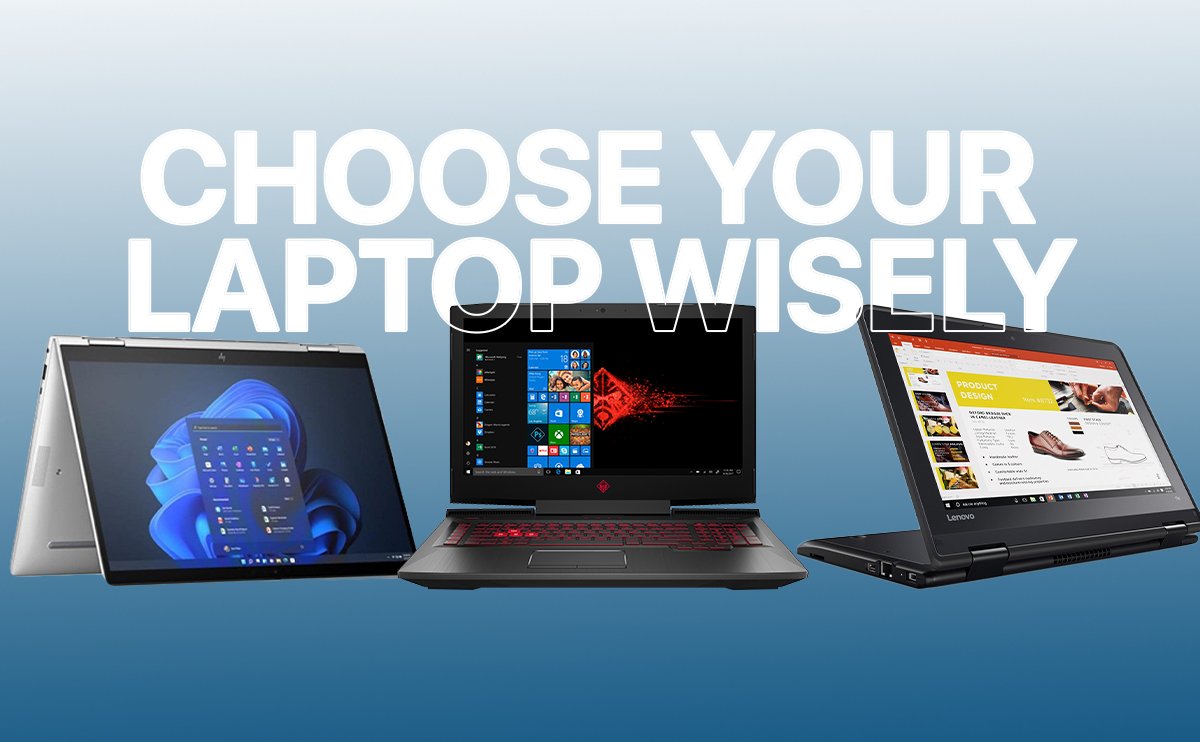
Choosing the right laptop can feel overwhelming, especially with so many brands and models available in Malawi. Whether you need one for school, work, gaming, or business, picking the right device can save you money and frustration. Here are practical tips to help you make the right choice.
1. Know Your Purpose
Before anything else, ask yourself: What will I mainly use this laptop for?
- Students: Focus on portability, battery life, and reliable performance.
- Professionals: Look for multitasking capabilities, powerful processors, and security features.
- Gamers: Prioritize graphics cards, high refresh-rate screens, and cooling systems.
- Creative work (design, video editing, etc.): Go for high RAM, large storage, and a color-accurate display.

2. Consider the Processor
The processor (CPU) is the brain of your laptop.
- Intel: Core i3, i5, i7 (i7 is most powerful, but i5 is enough for most users)
- AMD: Ryzen 3, 5, 7 (similar to Intel in performance)
For general use, a Core i5 or Ryzen 5 is ideal. For gaming or creative work, go higher.
3. RAM and Storage Matter
- RAM (Memory): 8GB is good for everyday use, 16GB+ for heavy tasks like video editing or gaming.
- Storage: SSDs (Solid State Drives) are faster and more reliable than HDDs. A 256GB SSD is enough for most users; go for 512GB+ if you store lots of files.
4. Screen Size and Display
Think about portability and comfort:
- 13–14 inches: Compact and travel-friendly
- 15–16 inches: Balanced for work and entertainment
- 17 inches+: Best for gaming or heavy design work
Also, consider screen resolution. Full HD (1920×1080) is the standard; higher resolutions are better for creatives.
5. Battery Life
If you move around a lot, battery life is key. Most modern laptops last 6–10 hours. Check user reviews to see real-world performance.
6. Connectivity and Ports
Ensure the laptop has enough ports for your needs:
- USB-C, USB 3.0
- HDMI (for external displays)
- SD card slot (for creatives)
- Good Wi-Fi and Bluetooth support
7. Brand Reputation
Go with brands that are common
- HP, Dell, Lenovo, ASUS, Acer, Apple – these all are well known.
8. Budget Wisely
Don’t overspend on features you won’t use. Set a budget and compare options in that range. Sometimes mid-range laptops provide the best value without unnecessary extras.
Tip
Choosing the right laptop is all about matching your needs, budget, and performance. By following these tips, you can pick a device that will last and serve you well, whether for school, work, or play.

Leave a Reply